
Drafting
Draft from reviewed matter context, not a blank prompt
Patendra carries terminology, claim versions, retrieved sources, support checks, and review notes into first-draft assembly. The result is editable work product with open questions still visible for a qualified professional.
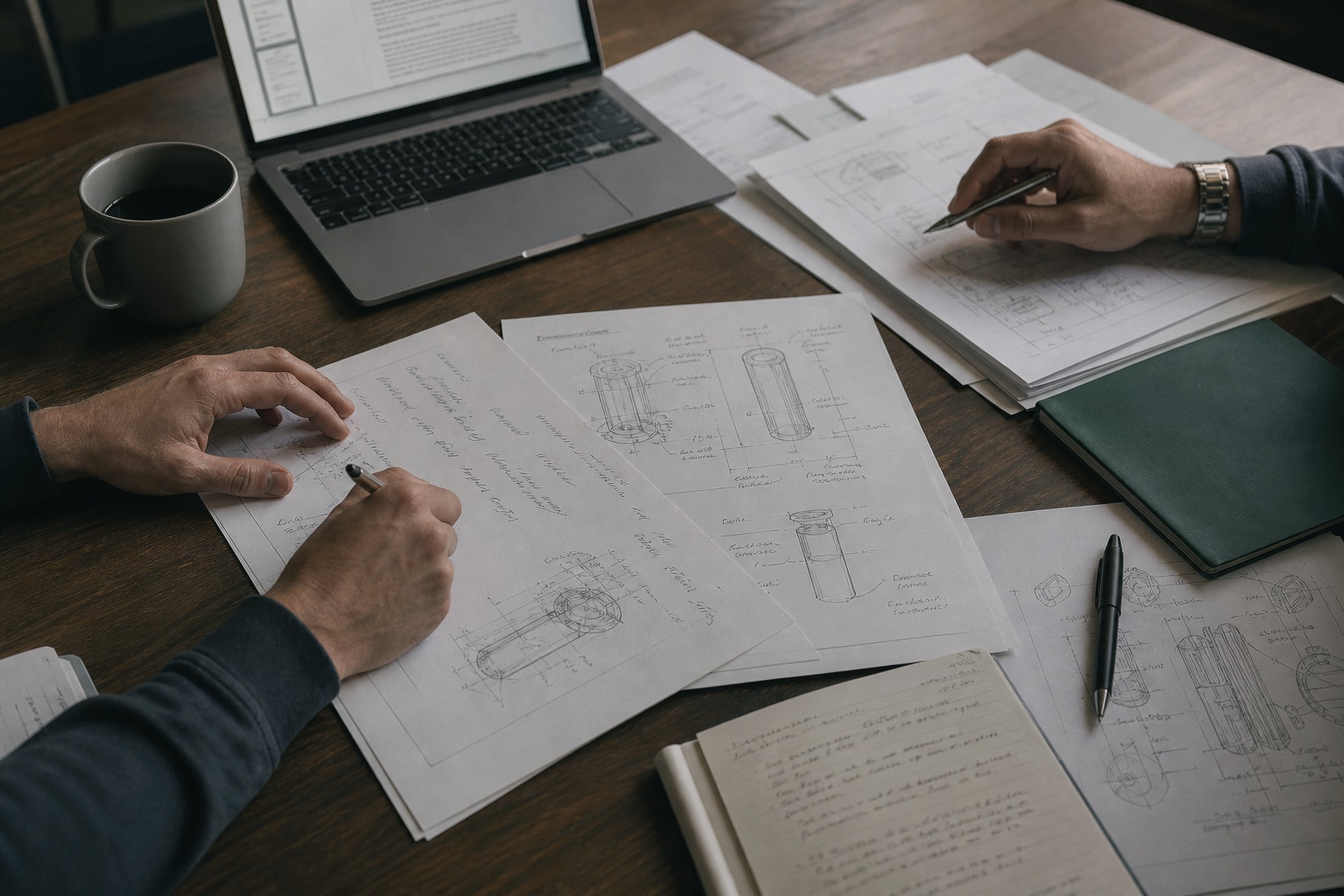
Anatomy
What the first draft includes
A filing is four interlocking documents, and a weakness in any one of them can cost you the case. Patendra generates all four as a single consistent package.
Specification
The written description: background, summary, and a detailed description with embodiments and definitions. It must teach a person of ordinary skill to make and use the invention (the §112(a) bar) because you cannot add new matter after filing.
Claims
The legal boundary of the invention. Independent claims set the scope, dependent claims stake fallback positions. Every word is a potential limitation, and every limitation needs support in the specification.
Abstract
A concise technical summary of the disclosure. It is short, but it is also the first text an examiner and a searcher will read against your filing.
Figures
Drawings the description references by number: system diagrams, flowcharts, component views. Claims that recite structure the figures never show invite §112 trouble.
The write-up stage
How each section is assembled
Drafting runs at the end of the workflow, with the examination memo and the retrieved prior art on the table. Each part is generated with a specific job.
-
Background: written as a prosecution argument
Patendra writes the background as the opening move of a non-obviousness argument, not as scene-setting filler. It frames the technical problem so that the claimed solution reads as non-obvious over the references the adversarial search actually found, without admitting anything as prior art that doesn't have to be.
-
Detailed description: drafted against a §112(a) checklist
The description is generated and checked against an explicit enablement checklist: can a person of ordinary skill make and use the invention without undue experimentation; are concrete embodiments described; are the claim terms given definitions the claims can lean on. Each claim limitation must find its support in the text.
-
Claims: the tree-search winner, verbatim
The claim set is not re-invented at drafting time. It is the output of the best-first claim-space search: the formulation that passed structural validation, survived the quick anticipation screen, and came through adversarial search and full simulated examination. The per-claim scores and examination memo ship alongside it.
-
Figures: generated from the claims
System diagrams, flowcharts, and a claim-dependency tree are generated from the specification with a built-in renderer. They are numbered and referenced from the description, so the drawings and the text describe the same invention. No external drawing tool is required; if Graphviz is installed, higher-resolution raster figures are used automatically.
-
Export: a formatted PDF package
The complete application is exported as a formatted PDF, together with every intermediate artifact (hypotheses, search logs, examination memos, score tables) saved to your local data directory for the file wrapper.
§112(a)
The enablement checklist, made explicit
"Describe the invention well" is not a spec you can test against. Patendra turns §112(a) into concrete checks the detailed description must satisfy before the draft is done.
| Checklist item | What the description must show |
|---|---|
| Make and use | A person of ordinary skill in the art can build and operate the invention from the text alone, without undue experimentation. |
| Embodiments | Concrete embodiments are described: specific ways of realizing the idea that the claims can read on, beyond the abstract idea itself. |
| Definitions | Claim terms are defined in the specification, so §112(b) definiteness challenges have an answer waiting in the text. |
| Claim support | Every limitation in the surviving claim set traces to written-description support, the same check the simulated examination runs under §112(a). |
Because the same §112 checks run during simulated examination, the description isn't graded by a different rubric than the one it was written to. § 112(a) § 112(b)
Order of operations
Why reviewed claims improve the draft
The difference between Patendra and a "patent application generator" is what the drafting model knows when it starts writing.
Write first, discover later
Generate a spec from the inventor's description, guess at claim scope, and file. The closest prior art is discovered by the examiner, eighteen months later. By then the specification can no longer be amended with new matter, and the fallback positions were never written in.
Discover first, write around it
Patendra's draft starts from claims that already survived an adversarial four-source prior-art search and a simulated §102/§103/§112 examination. The background argues against the real closest references. The description enables the claims that actually survived, and the dependent claims encode the retreat positions the search discovered.
The examination memo, the deterministic score, and the search logs ship with the draft, so whoever reviews it can see why each claim reads the way it does.
Human in the loop
Built to hand off, not to file itself
Every output carries an attorney-review banner, and the workflow assumes a qualified professional makes the filing decision.
-
Run and watch
The workflow streams live over Server-Sent Events: phase stepper, logs, activity feed. You see the search happen and the claims evolve; nothing arrives as an unexplained finished document.
-
Review per statute
The dashboard reports §102, §103, §112(a), and §112(b) findings separately, never as a single "ALLOWABLE" badge. Confidence is labeled Strong / Moderate / Weak, and every rejection is tied to an ID-verified reference. An attorney can audit any finding down to its citation.
-
Hand off the package
Counsel receives the PDF draft plus the working record: hypotheses, search logs, examination memos, score tables. Revisions happen with the evidence in view. See Patendra for attorneys and for inventors & startups.
-
Close the loop
Rate the finished run Strong / Moderate / Weak / Rejected. Your verdict recalibrates scoring weights and confidence for future runs: cross-run learning without fine-tuning, stored locally.
Draft from reviewed context
Install the desktop app, bring your Claude or Gemini API key, and generate your first examined draft package. Plans on the pricing page.